
Press kit
Everything you need to write about Gigback: Photo & Video Cleaner. The text and images on this page are free to use in coverage of the app.
At a glance
| Name | Gigback: Photo & Video Cleaner |
|---|---|
| Developer | Filip Djordjevic, independent developer |
| Released | 29 October 2026 |
| Platform | iPhone, iOS 26 or later |
| Price | Free to download. Gigback Pro is an optional in-app purchase: monthly, yearly, or a one-time Lifetime. |
| Category | Utilities, Photo & Video |
| Privacy | App Store privacy label “Data Not Collected”. No account and no servers. |
| App Store | Gigback: Photo & Video Cleaner by Filip Djordjevic |
| Website | gigback.app |
| Contact | filip.djordjevic447@gmail.com |
Please use the full name, Gigback: Photo & Video Cleaner, at least once. Apps with similar names come from other developers and are not related to it.
Descriptions
In one line
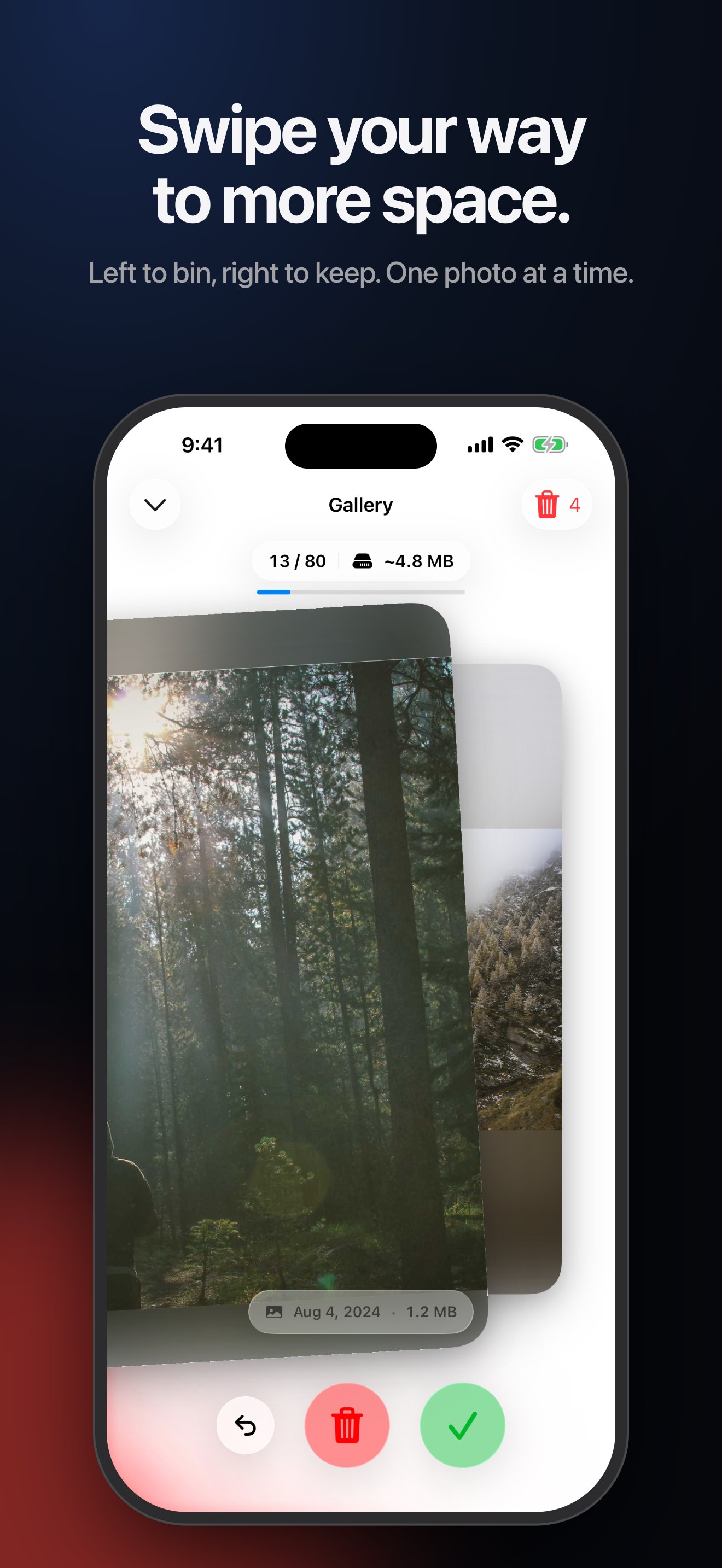
Swipe left to bin, right to keep. Free up iPhone storage.
Short
Clear your iPhone photo library one swipe at a time: left to bin, right to keep. An on-device scan finds duplicates, and nothing is deleted until you confirm.
Long
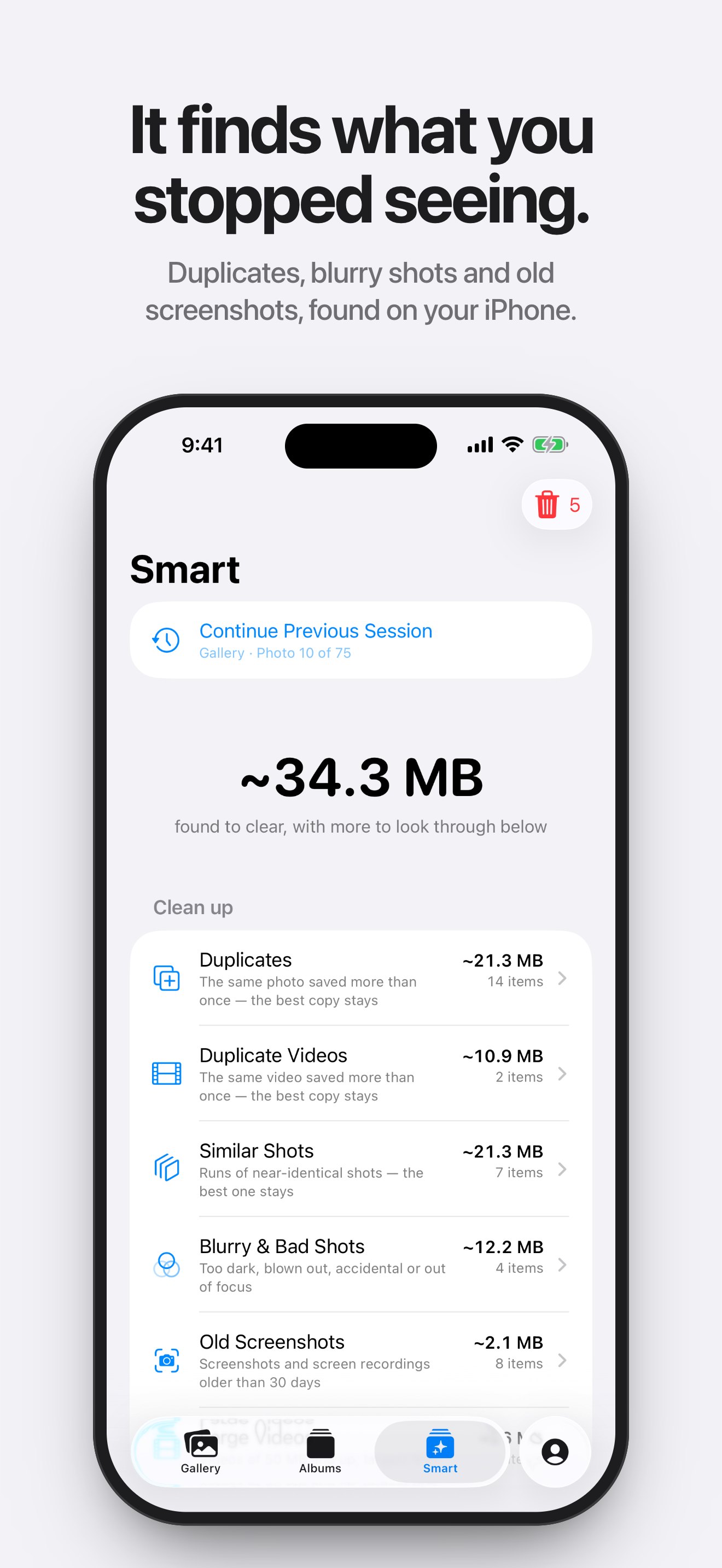
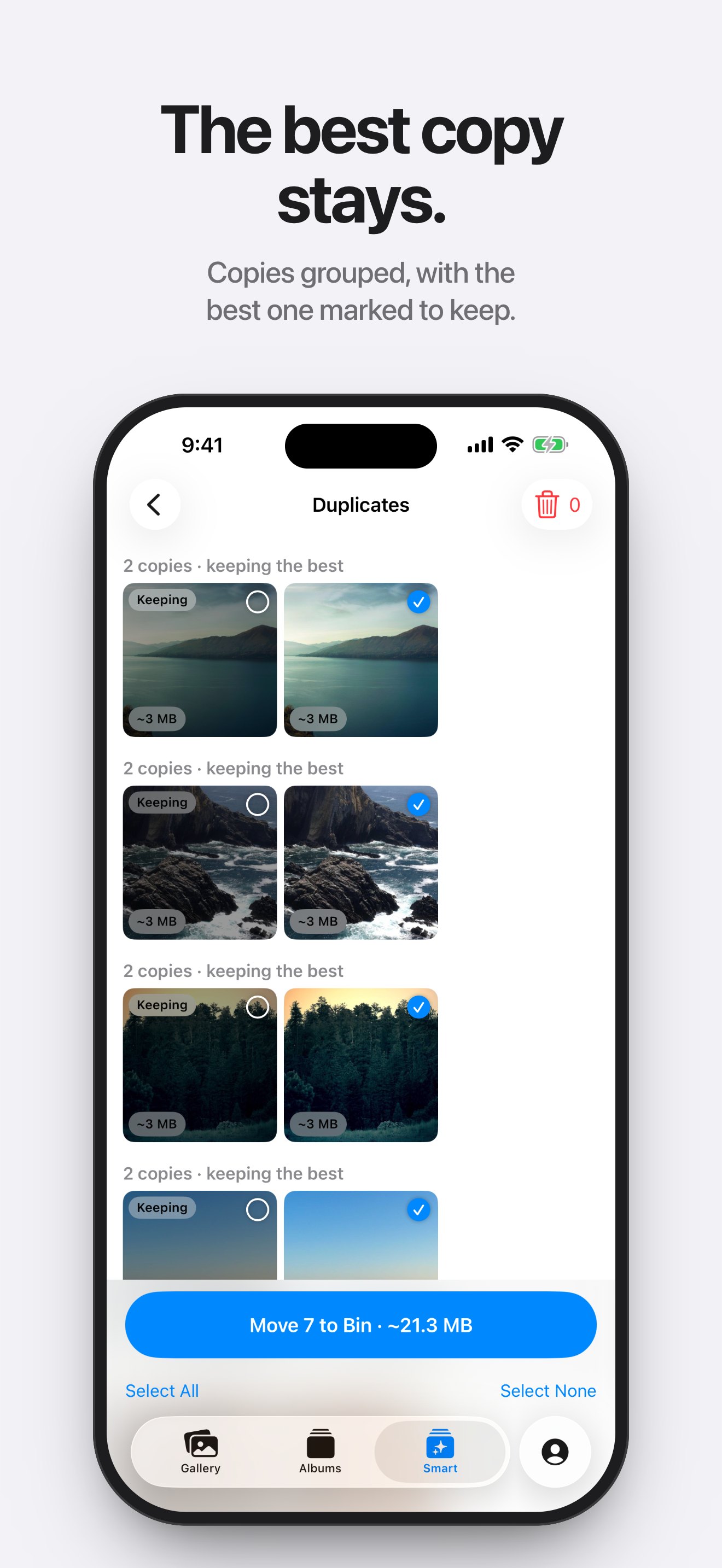
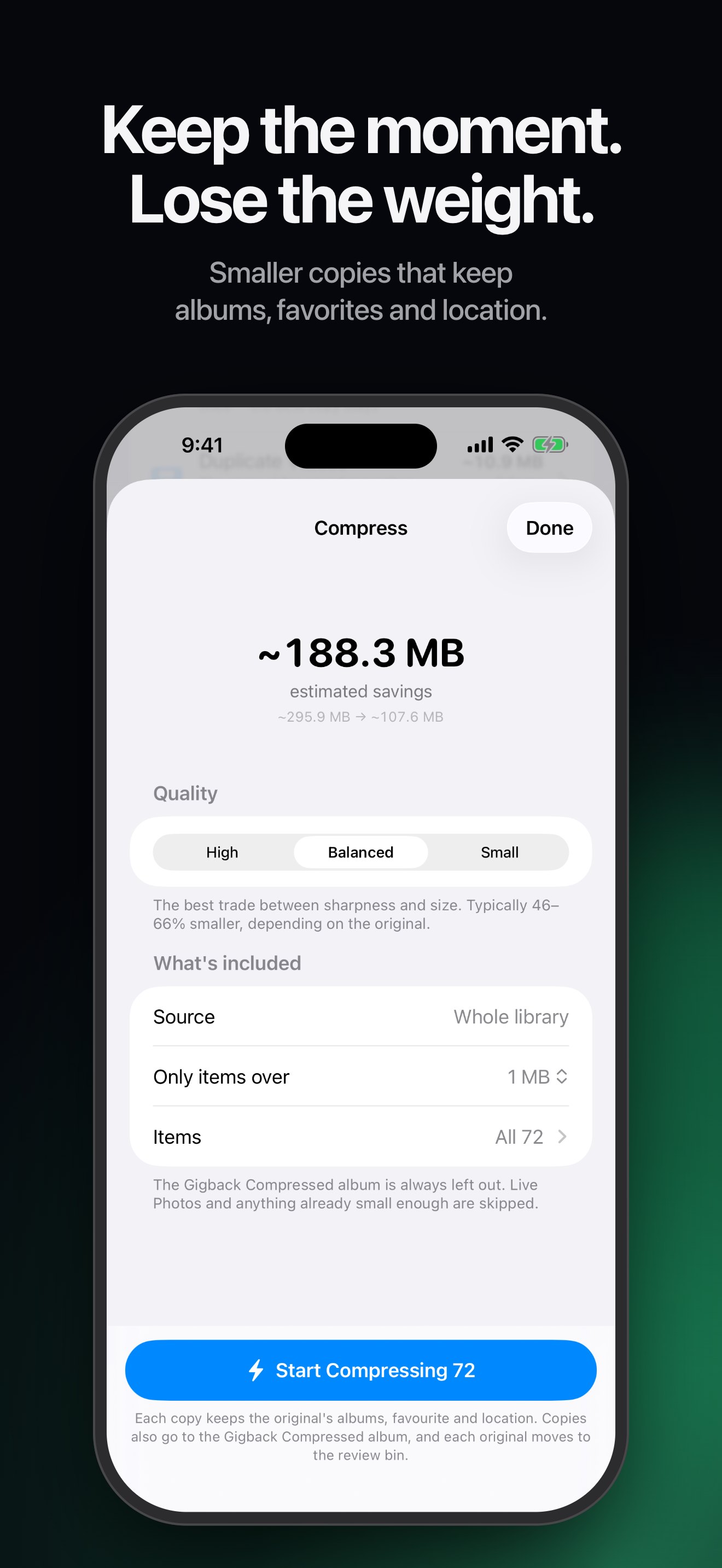
Gigback is a photo and video cleaner for iPhone. Swipe left to put a photo or video in a review bin, right to keep it. Nothing is deleted until you confirm in the iOS dialog, and Recently Deleted keeps items 30 days. An on-device scan groups duplicates, similar shots (best one marked), blurry shots, receipts, old screenshots and large videos. Compression saves smaller copies that keep albums, favorites, location and date. No account, no servers, no tracking. Free, with optional Gigback Pro.
What sets it apart
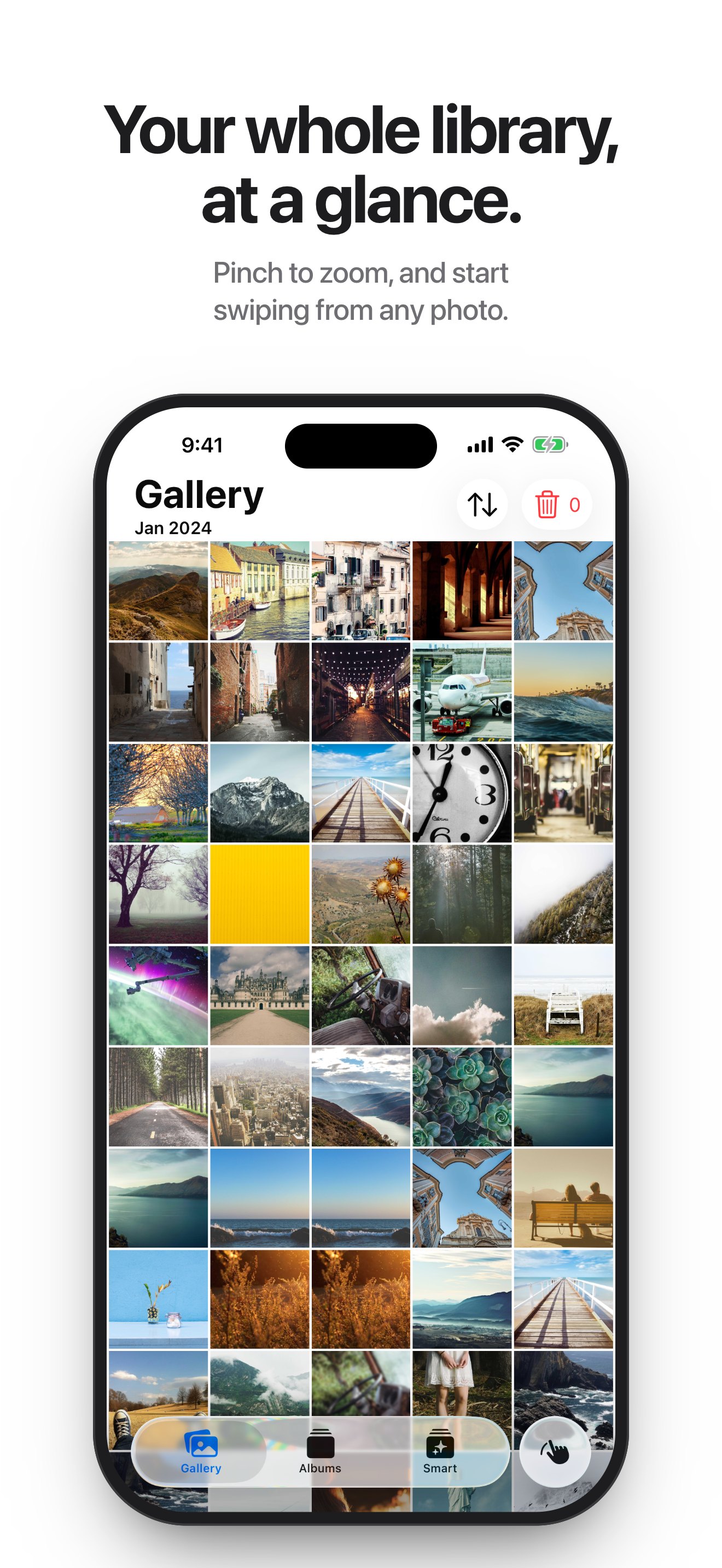
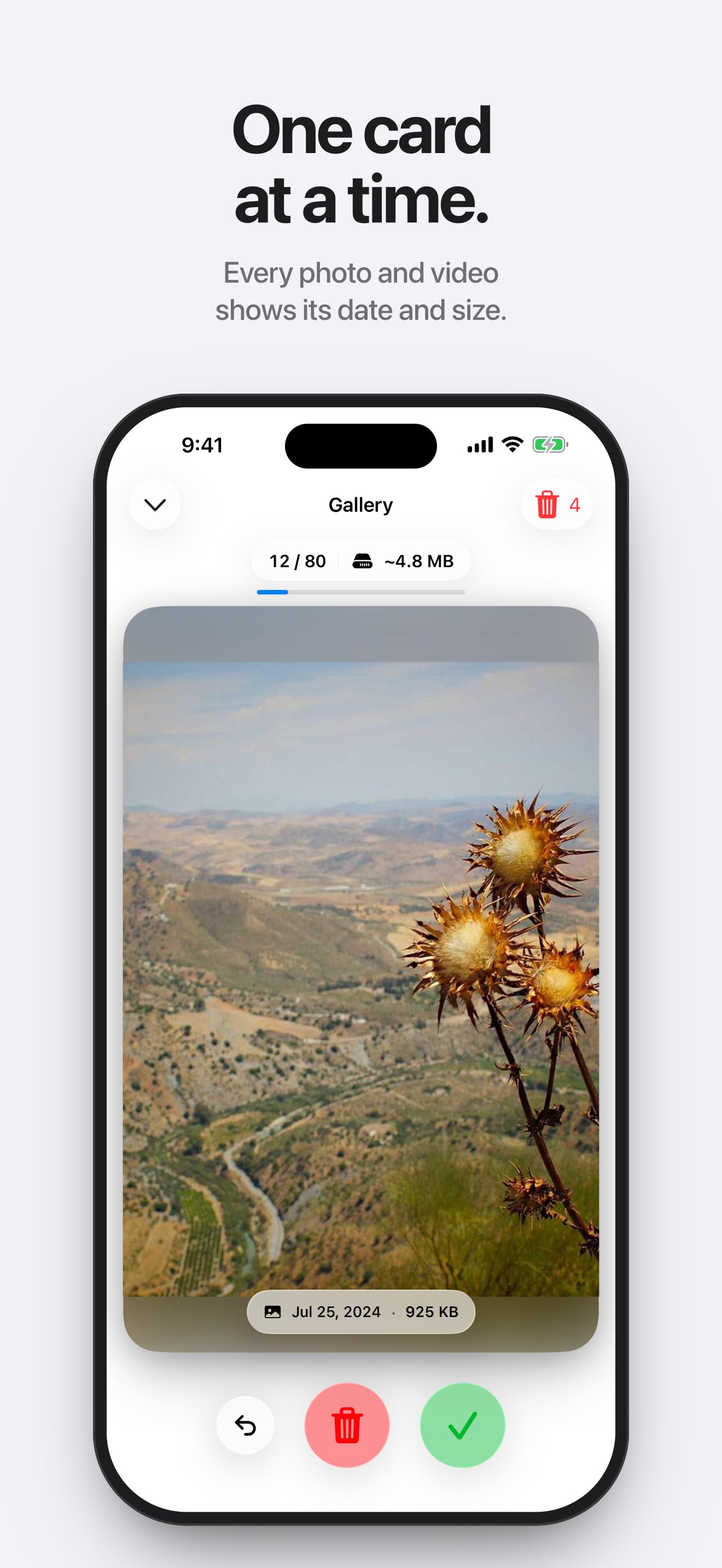
- One photo at a time. Each card shows a photo or video with its date and size, so the space hogs stand out.
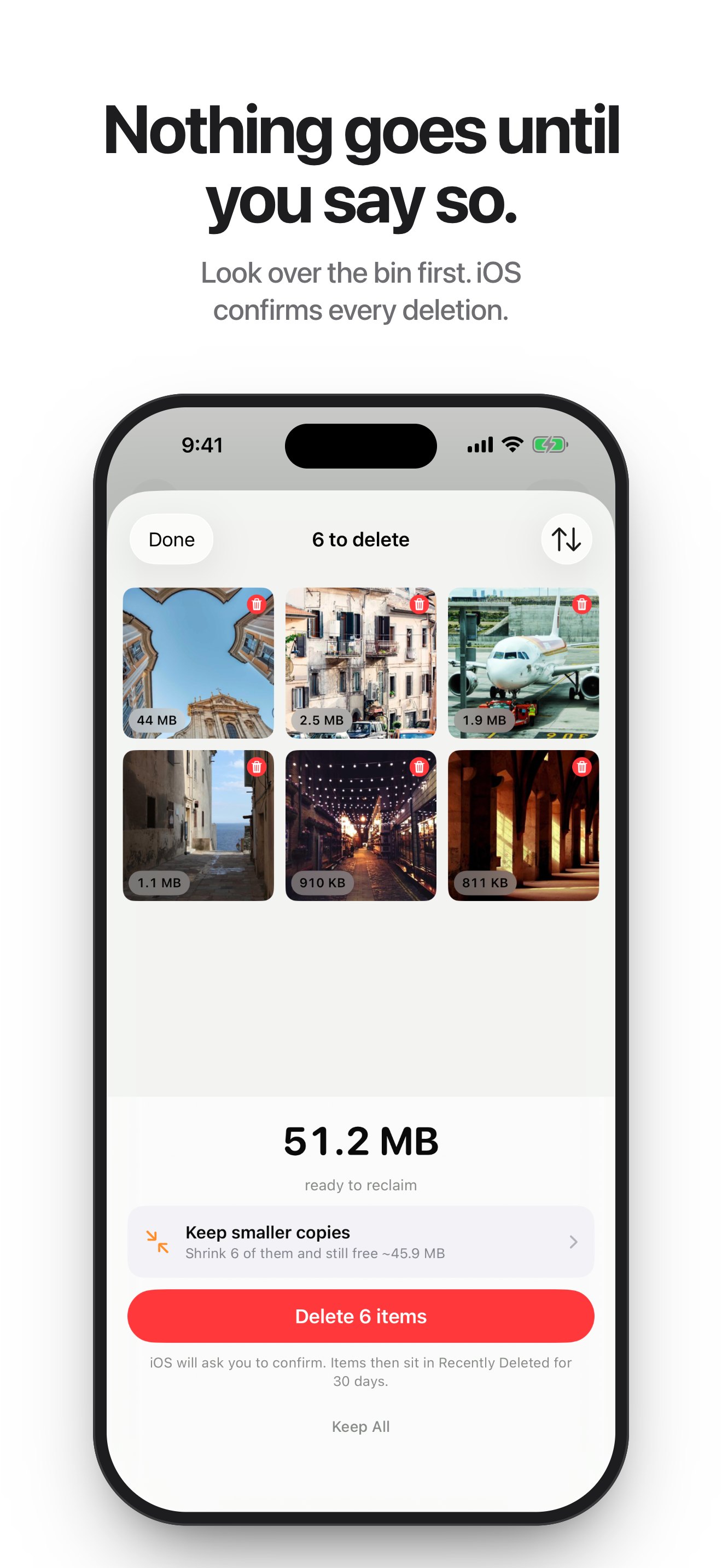
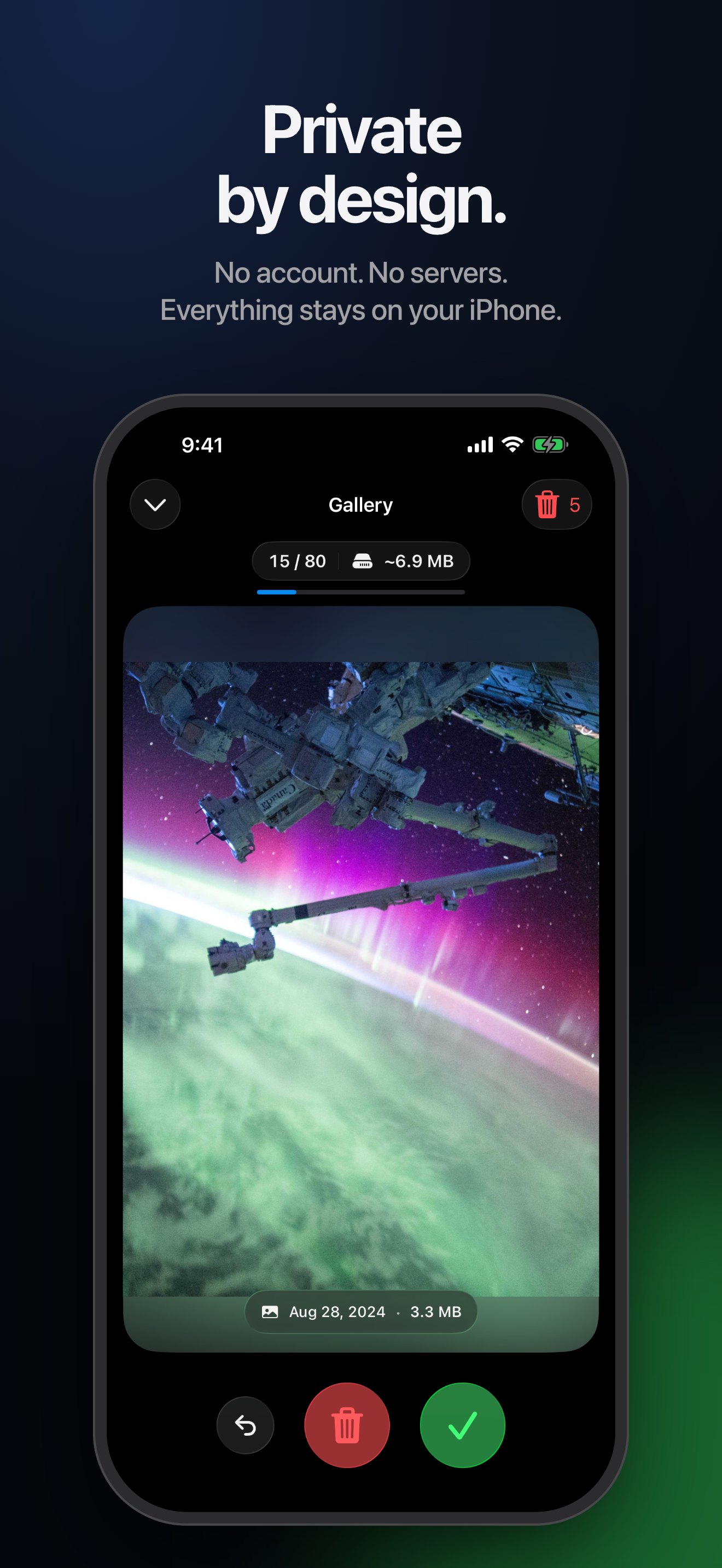
- A bin before the delete. Decisions collect in a review bin, and iOS asks once, at the end, where anything can still be taken back.
- Suggestions that leave your choices alone. The scan never preselects favorites or photos in your albums.
- Smaller copies that keep their place. A compressed copy keeps the original’s albums, favorite, location and date.
- On the device, and nowhere else. The scan and compression run on the iPhone with Apple’s on-device frameworks. There is no account and no server.
More on the reasoning behind it is on the About page.
Images
App Store screenshots, 1320 × 2868 JPEG. Select one to open the full size.
Contact
For interviews, review access or anything else, write to the developer directly.
filip.djordjevic447@gmail.com